Recipe-based costs
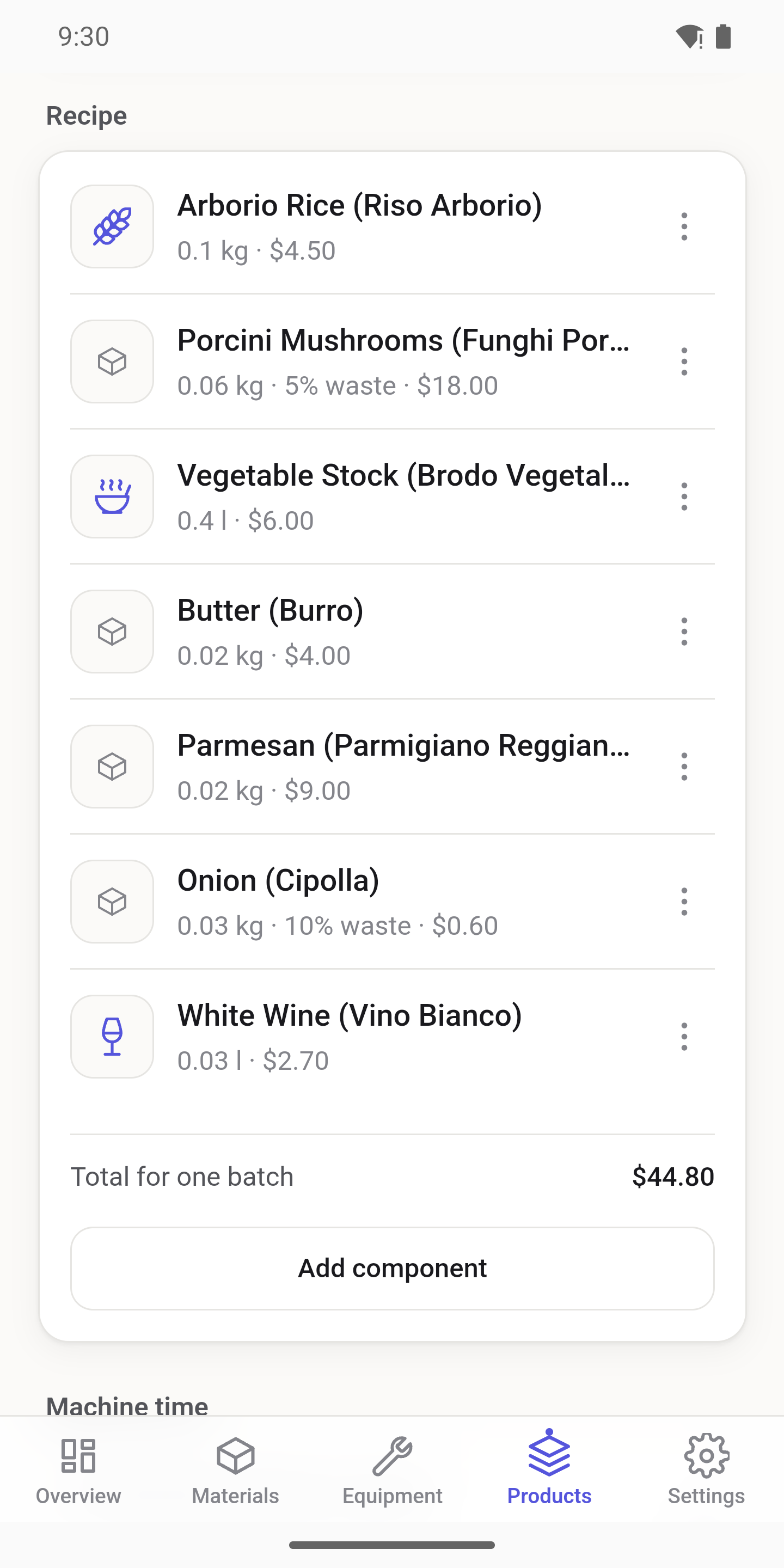
Build products from materials — or from other products. Multi-level recipes handle real production, and batch logic knows how much one batch yields and how long it takes.
By Obura Studios

Stop guessing your prices.
Know what your products
really cost.
Materials · Equipment · Overhead · Real margins
CostMate calculates the true unit cost of every product you make — materials, machines, energy, and overhead included. Built for small manufacturers, workshops, and food producers. No accounting degree required.
Available in English, Turkish, French, and German.
"It feels like about €8" is not a price. If your cost is really €8.40, every sale loses money — and you won't see it for months.
The oven's electricity. The machine you paid €3,000 for. The rent. They belong in every unit you make — most makers leave them out.
One broken formula, three outdated tabs, and no idea which version is current. Spreadsheets weren't built for recipes and machine hours.
Real features, no filler. This is what CostMate does.
Build products from materials — or from other products. Multi-level recipes handle real production, and batch logic knows how much one batch yields and how long it takes.
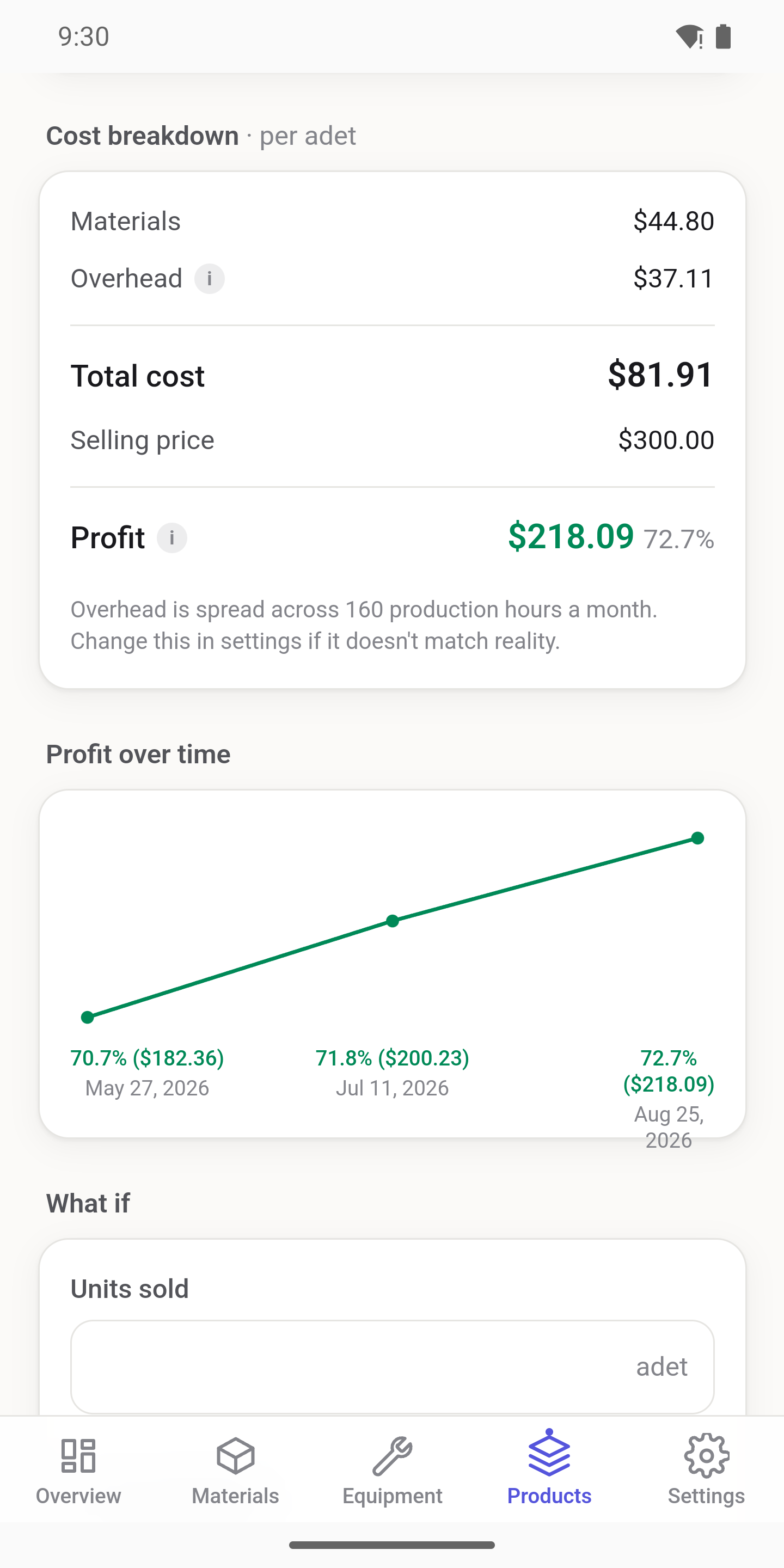
Every unit cost is split into materials + equipment + overhead, shown separately. You see exactly where the money goes.
Set waste per ingredient as a percentage or a fixed amount. Scrap, trim, and spillage stop being invisible losses.
Weight, volume (with density), and piece-based materials all work together. Buy in liters, use in grams — CostMate does the math.
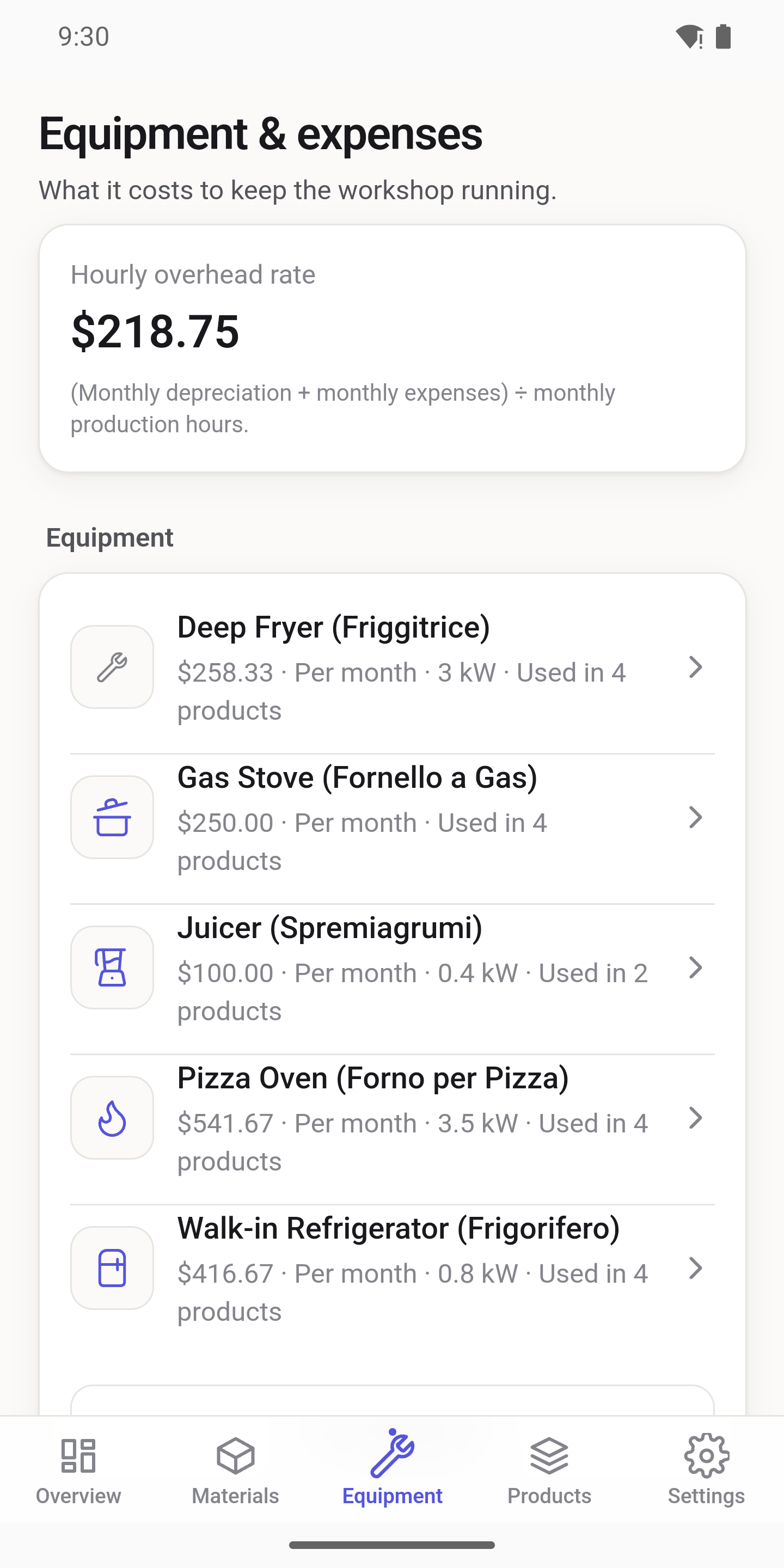
Purchase price, depreciation over useful life, salvage value, maintenance, and energy use in kW — turned into an hourly machine cost and applied to each product by minutes of use.
Electricity, gas, coal, and wood — each machine uses the right one, at the right price.
Rent, salaries, insurance — spread over your monthly production hours and baked into every unit cost automatically.
Material and energy prices are stored with the date they took effect. Update a price today without rewriting yesterday.
Past production is costed with the prices of that day. Your March report still shows March's real costs — even after energy prices jump in April.
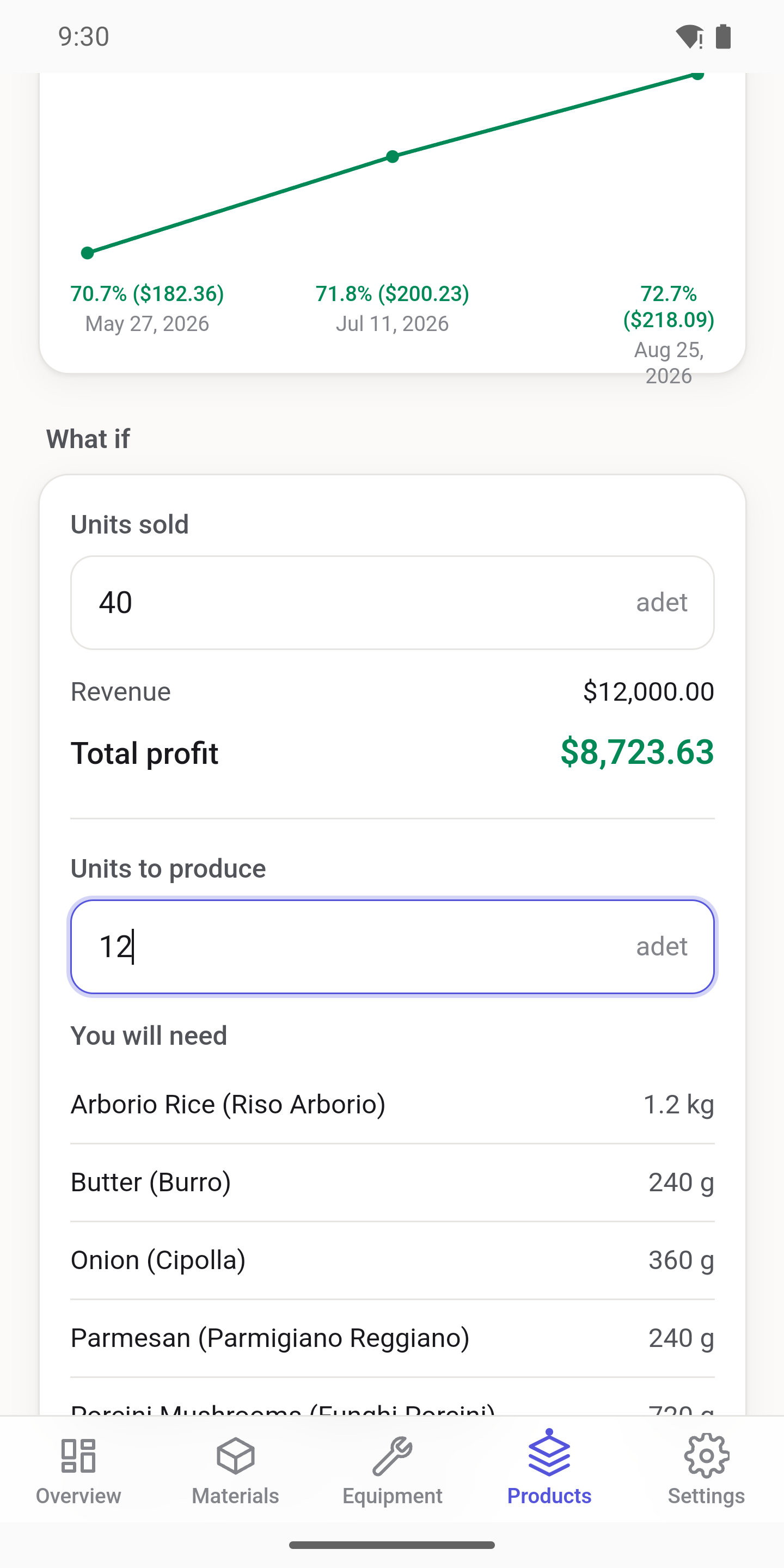
Enter your sale price and instantly see profit and margin for every product. No formulas, no exports.
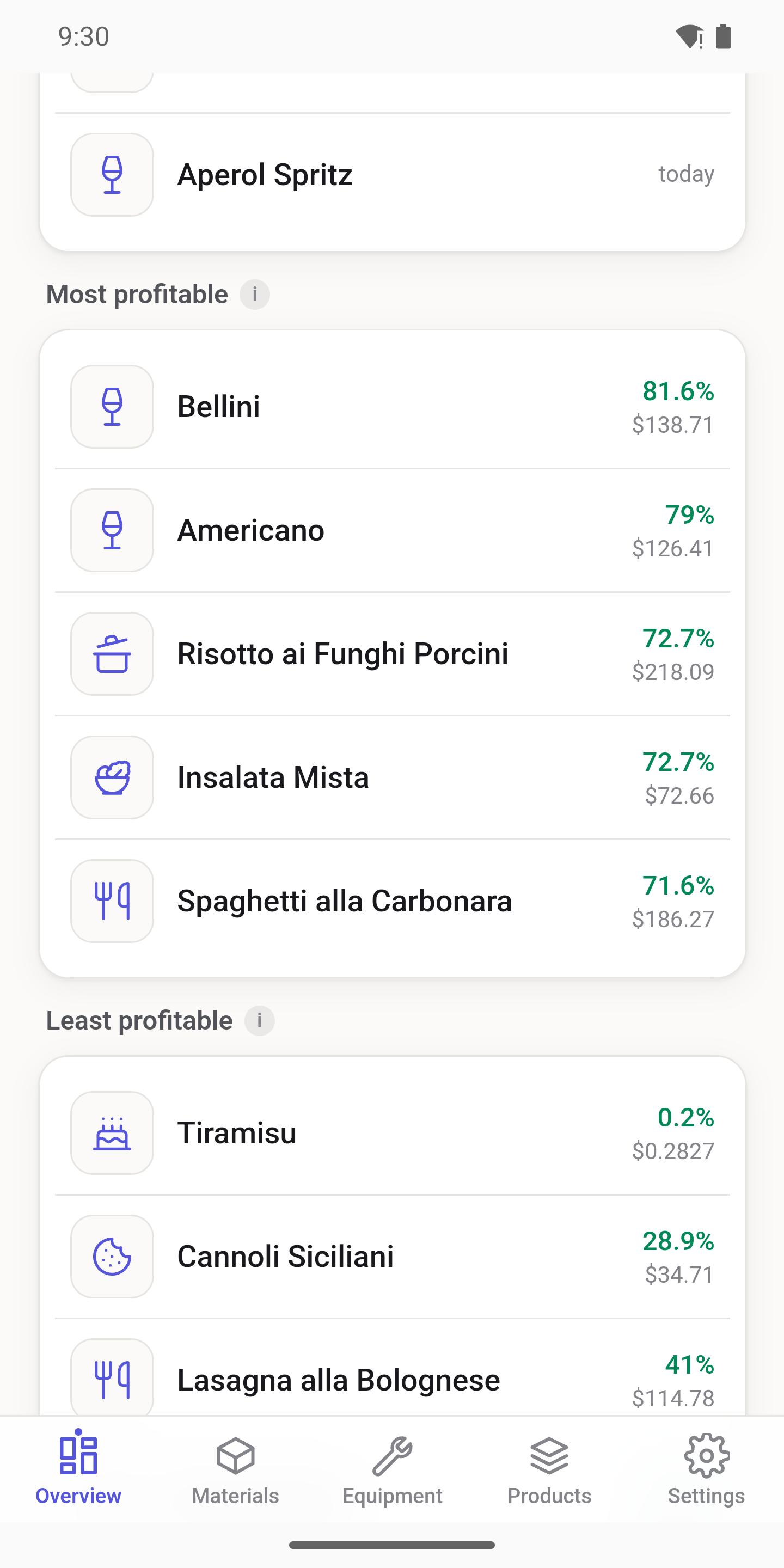
A dashboard highlights your most and least profitable products, so you know what to push and what to reprice.
Business name and logo, currency, energy prices — with one-tap typical prices for your country — and your monthly production hours. Step by step, a few minutes total.
Load a complete demo business — an Italian restaurant, a lamp workshop, a coffee shop & bakery, or an electronics startup — and poke around before entering your own data. Removable at any time.
Give every material and product a photo or icon. Add notes with clickable links to suppliers or datasheets.
Comfortable in the workshop at noon and at the desk at midnight. Sign in with Google or email.
No ads. No advertising or analytics SDKs. Your data is never sold, and you can delete your account and all data in-app at any time.
From download to your first real cost in one sitting.
The wizard walks you through currency, energy prices, and monthly production hours. Add your machines and overhead expenses once.
Enter your materials with prices and waste, then build recipes — including batch size and production time.
CostMate shows the true unit cost of every product and the margin at your sale price. Reprice with confidence.
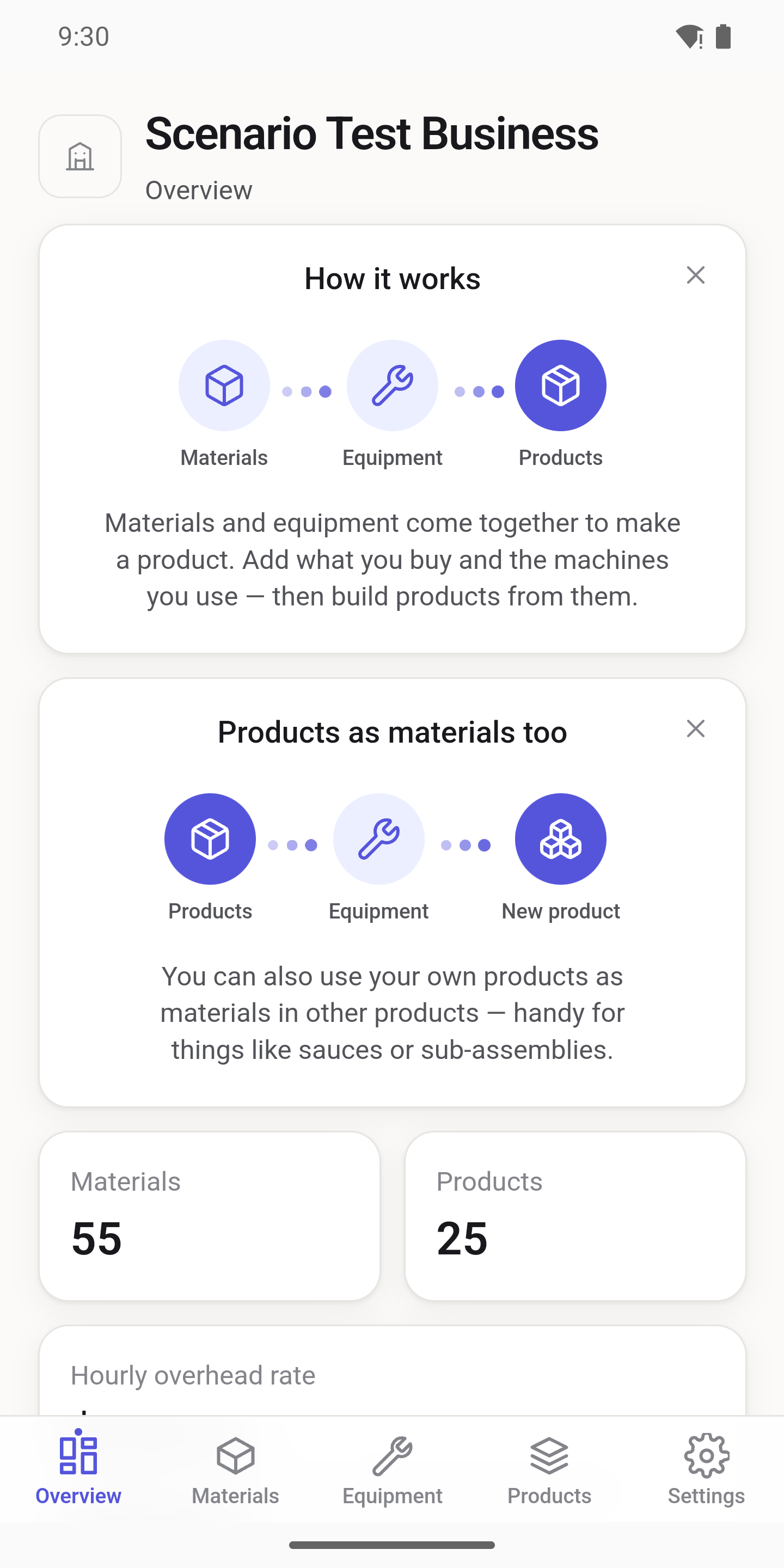
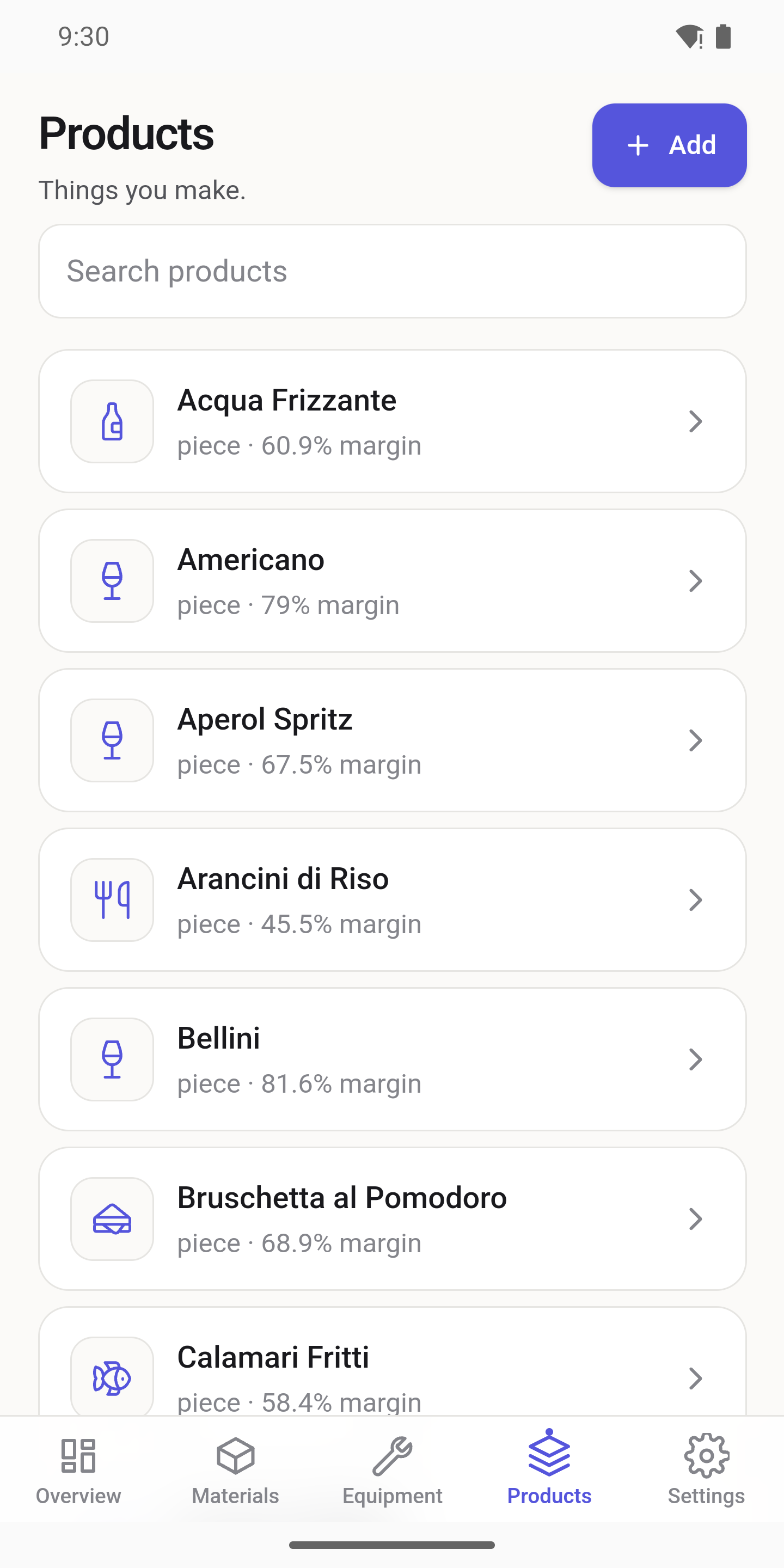
Real screens from CostMate.
The full costing engine is free. Pro adds room and automation for growing businesses.
| Feature | Free | Pro |
|---|---|---|
| Full costing engine — recipes, machines, energy, overhead | ✓ | ✓ |
| Businesses | 1 | Multiple, with quick switching |
| Materials | Up to 60 | Higher limits |
| Products | Up to 30 | Higher limits |
| Automatic energy-price updates — local electricity and gas reference prices for your country, applied daily | — | ✓ |
Pro is an auto-renewing subscription via Google Play / App Store. Cancel anytime.
Yes. CostMate has no ads and no advertising or analytics SDKs, and your data is never sold. You can delete your account and all of your data from inside the app at any time.
English, Turkish, French, and German.
Yes. Pro is a standard auto-renewing subscription managed through Google Play or the App Store. Cancel there anytime and you keep Pro until the end of the paid period.
Yes. Load a complete sample business — an Italian restaurant, a lamp workshop, a coffee shop & bakery, or an electronics startup — and explore every screen with realistic data. Remove it with one tap whenever you're ready to start fresh.
A spreadsheet only knows what you type into it. CostMate knows how costing works: it depreciates your machines, converts kW into cost per minute, spreads your rent over production hours, prices in waste, and keeps price history with effective dates so old reports stay accurate. No formulas to build, no formulas to break.